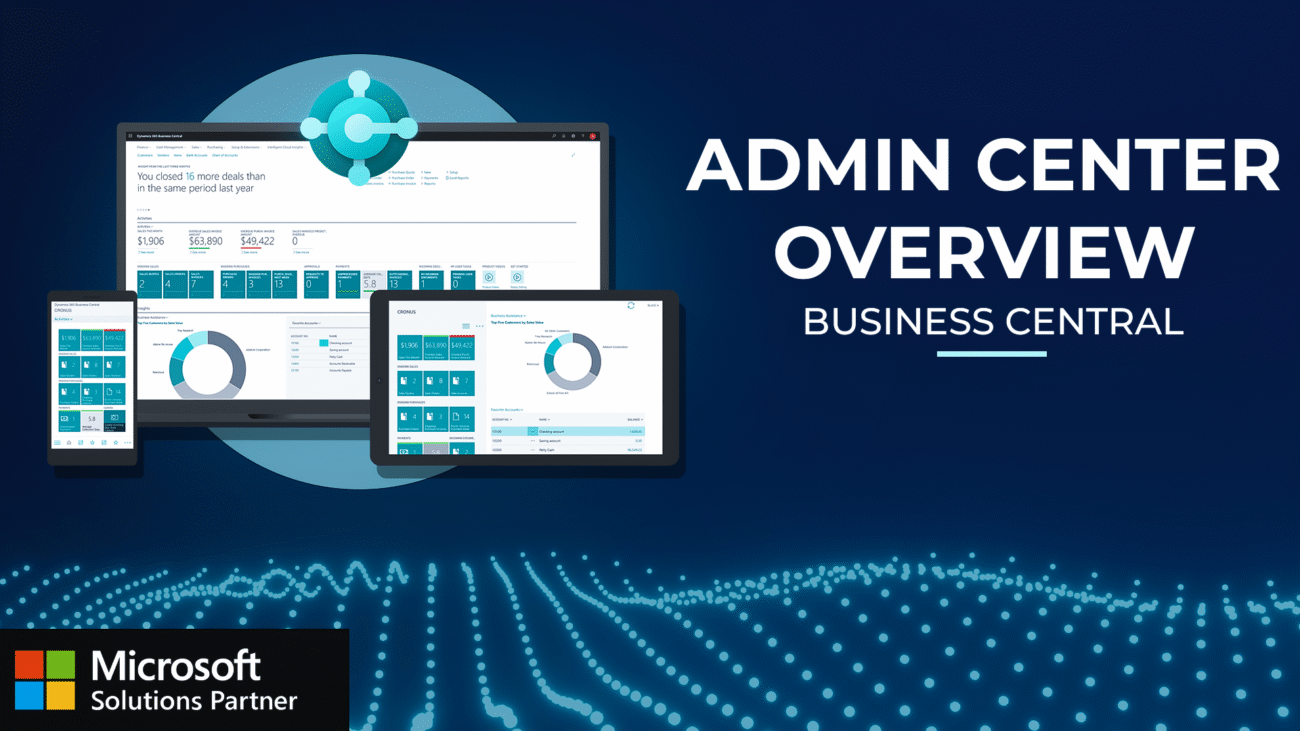
Dynamics 365 Business Central: Admin Center Overview
Master Business Central Administration with this comprehensive demonstration covering:
Access Centralized Control: Navigate directly to Admin Center from your role center and manage all production and sandbox environments from one powerful dashboard
Execute Smart Operations: Monitor versions, schedule updates, and deploy changes with real-time tracking while maintaining zero-downtime user experience
Control User Sessions: Manage active sessions, restart environments instantly with the “big red button,” and optimize system performance across your infrastructure
Automate Database Management: Export to Azure blob storage, configure automated backups, and handle restoration processes with enterprise-grade security protocols
Transform your Business Central Administration from reactive environment switching to proactive centralized management with complete operational visibility and streamlined workflows.
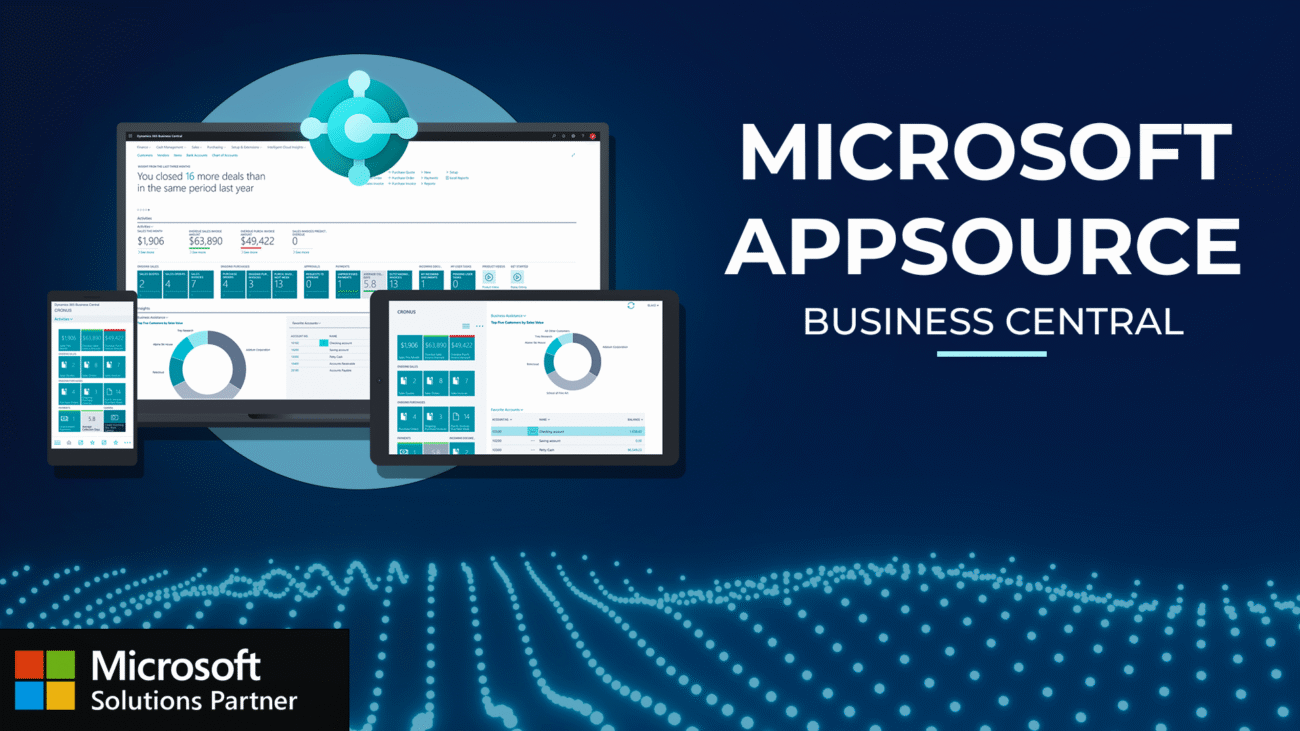
Dynamics 365 Business Central: Microsoft AppSource
Master Business Central Extension Management with this comprehensive demonstration covering:
Navigate AppSource Marketplace Integration: Access thousands of third-party applications directly from your Business Central role center to extend system capabilities
Execute Seamless App Installation: Use the “Get it now” feature to automatically install extensions with language selection and real-time progress tracking
Manage Extension Lifecycle: Search and locate installed extensions through the Extension Management workspace, view publisher details, and monitor dependencies
Streamline Extension Maintenance: Remove unwanted applications safely with automated dependency detection and complete data cleanup to keep your environment optimized
Transform your Business Central Extension Management practices from basic app installs to a fully optimized system leveraging Microsoft’s vast third-party ecosystem.
Transform your reporting capabilities with Business Central Reporting in this comprehensive overview of every reporting option available.This demonstration shows you how to:
Navigate Visual Dashboard Reports: Access role-based visual reports, sales pipelines, and interactive charts for real-time insights
Leverage Embedded Power BI Integration: Seamlessly manage Power BI reports within Business Central for advanced analytics and dashboard functionality
Generate Professional Document Reports: Master order confirmations and transactional documents with customizable layouts and multiple output formats
Control Report Output & Formatting: Customize templates, manage print settings, and configure multi-format exports for seamless document delivery
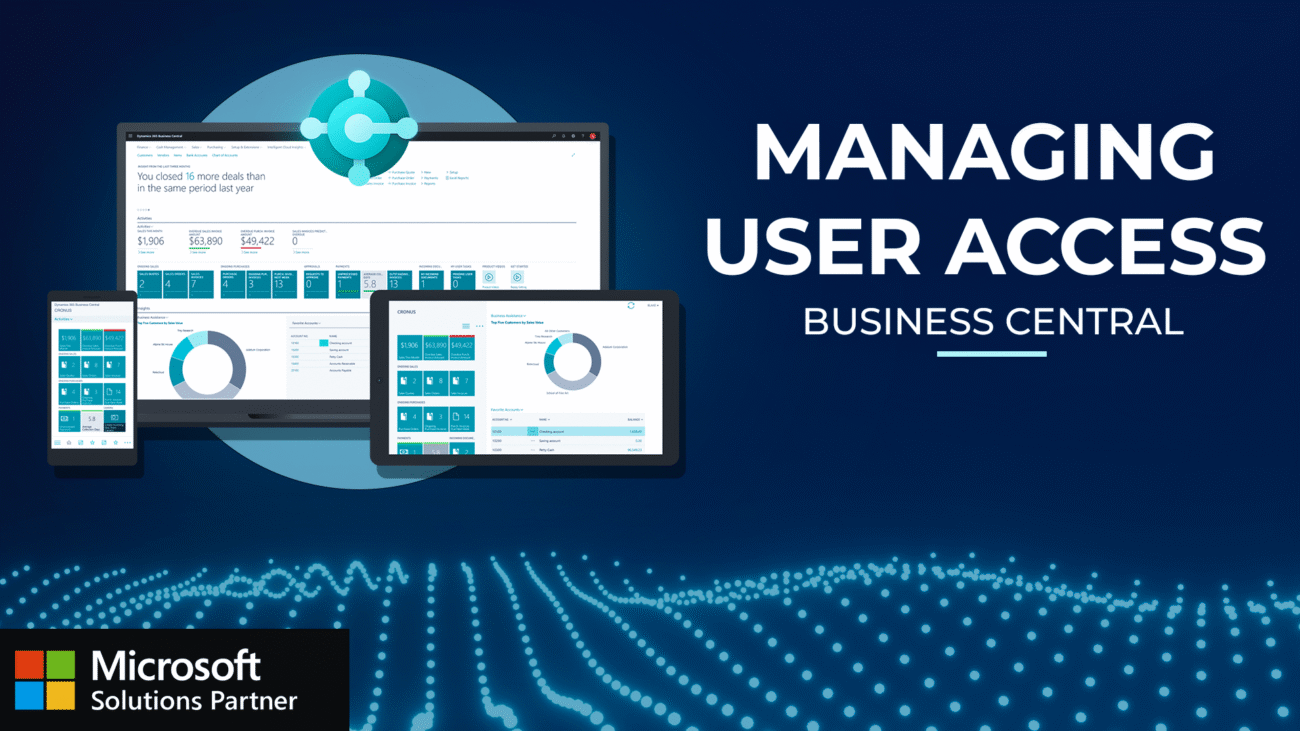
Dynamics 365 Business Central: Managing User Access
Master Business Central User Management with this comprehensive demonstration covering:
Navigate Microsoft 365 Admin Center Integration: Access user management through your Microsoft tenant
Leverage Business Central User Interface: Search and locate users within Business Central, drill down into individual user cards
Manage User Groups & Permission Sets: Understand the relationship between licenses, user groups, and permission sets for complete security control
Execute Seamless User Updates: Use the “Update Users from Microsoft 365” feature to synchronize tenant changes with Business Central
Transform your Business Central User Management from manual processes to streamlined, centralized administration that scales with your organization’s growth.
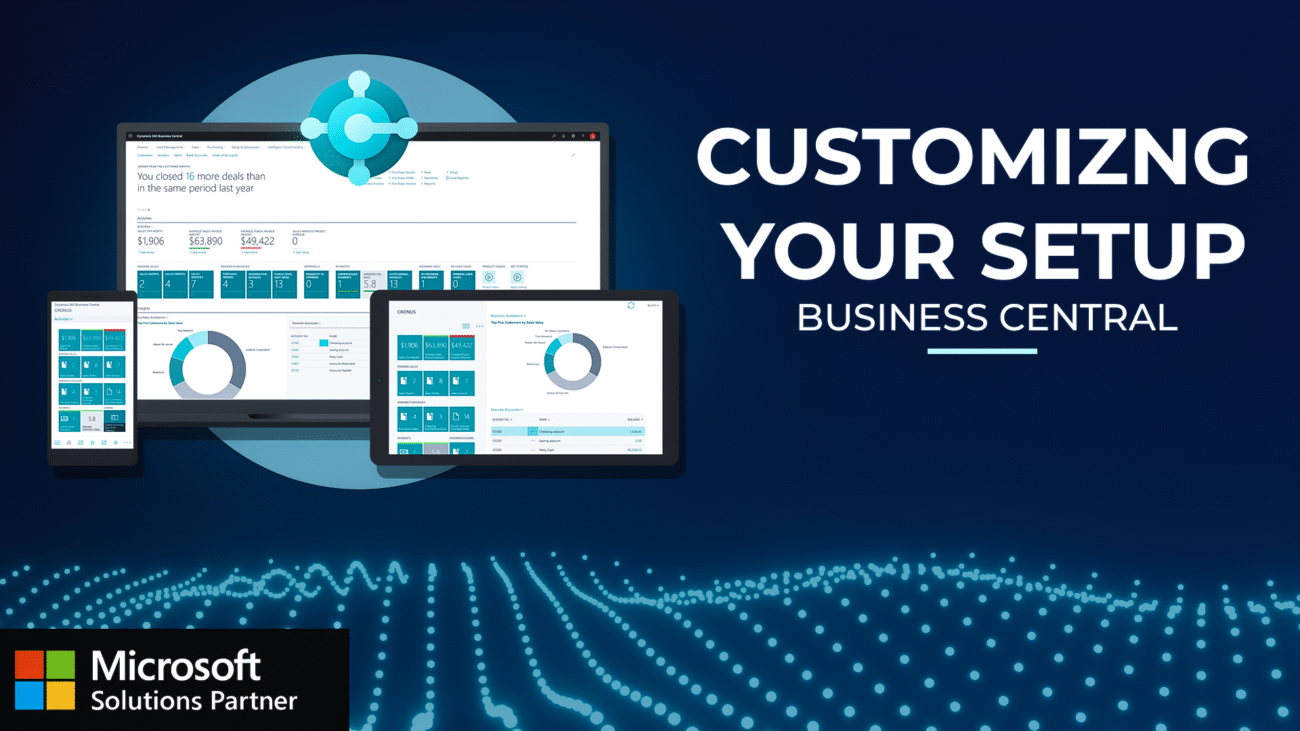
Dynamics 365 Business Central: Customizing your Setup
Discover how to customize Business Central to match your exact workflow needs without affecting other users! This step-by-step demonstration shows you how to:
Role Center Personalization: Show or hide elements to declutter your home screen
List View Customization: Add, remove, and rearrange columns to display only relevant information
Card Page Adjustments: Modify item cards to show only the fields you actually use
Boost Efficiency: Create a streamlined workspace perfectly tailored to your specific needs