
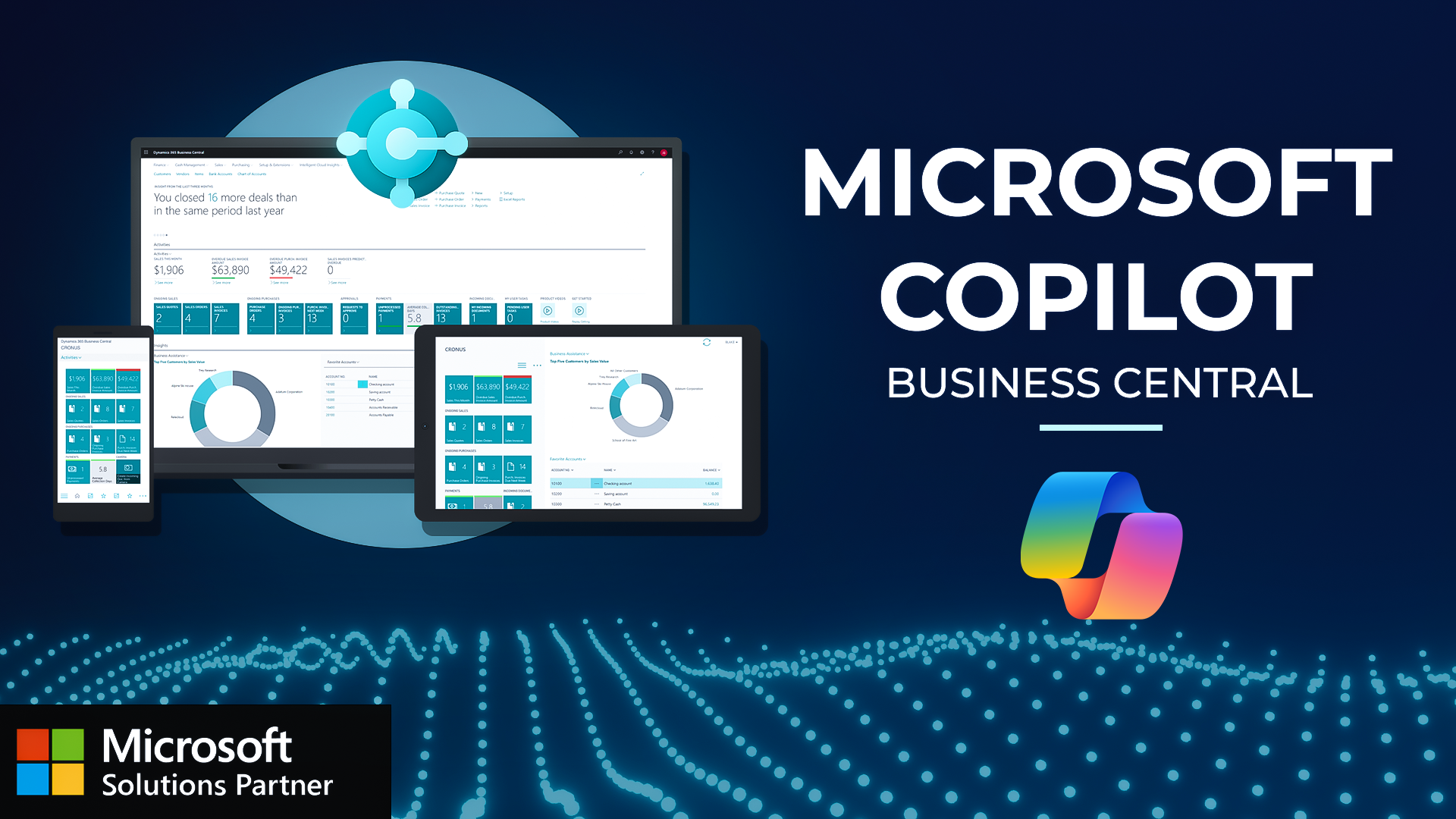
Wondering how Copilot can help your business with tasks like simplifying outreach for, specific customers or to be able to see just how AI can get insights in your business. I'm gonna show you in the video today how Microsoft Copilot is embedded in Business Central and why it makes sense for you to take advantage of it. Let's get going. So here on the role center page, you're gonna see all of your standard Business Central queues, favorites, menu items, and then of course your action bar up on the top right. Up here on the top right, you're gonna notice the Copilot icon that you can navigate to and select. This is gonna pop open a menu pane on the right side of your screen, which is gonna now show you the ability for you to talk to Copilot and then take advantage of its insights and answers for you. It's gonna suggest things that you can find and look up using Copilot. So find me my top selling item, for example, or how to perform tasks in the system. So help me understand how I can input sales orders within the system. Or how should I move forward with a given blocker or an error that I have within the system. So there's a lot of things that you can take advantage of within Copilot. I'm gonna ask a simple question of show me my top customer. And now it's gonna reach back out and show all of the customers. And now it's looked up my top customer, which is the School of Fine Art. It shows the details of that customer, the balance that they currently have outstanding, the main contact. And then I can actually navigate to that specific customer card by selecting it here. You'll see my chat with Copilot stays up on the right side. So now I can interact with this customer card and then I can just go back and select something different. If I wanna say show me the most amount of or Show me the item with the most amount of inventory available. Now it's looking up the item with the most amount of inventory, which is the coffee beans from Peru. So you can see I have almost two thousand pounds on hand and I've got my item number here for ten thirty. And of course, just like the customer card, I can select on that and then go directly to that item card to make any edits or get any information that I would like from there. And that's just a couple ways that you can leverage Copilot in the system. Microsoft is adding every single day additional capabilities that you can use to get insights into your business and take advantage of. So hopefully you learned something in this video about how to take advantage of the AI capabilities that are native within Business Central. I'm looking forward to seeing you in the next video.
Supercharge Your Business Decisions with Microsoft Copilot in Business Central! Watch how this powerful AI assistant can revolutionize your decision-making process:
- AI-Powered Insights: Instantly identify top customers and best-selling items with simple natural language queries
- Seamless Integration: Access Copilot directly from your Business Central interface with one click
- Enhanced Decision Making: Get immediate answers about inventory, customers, and financial data
- Time-Saving Automation: Eliminate manual data analysis with AI-powered business intelligence
