
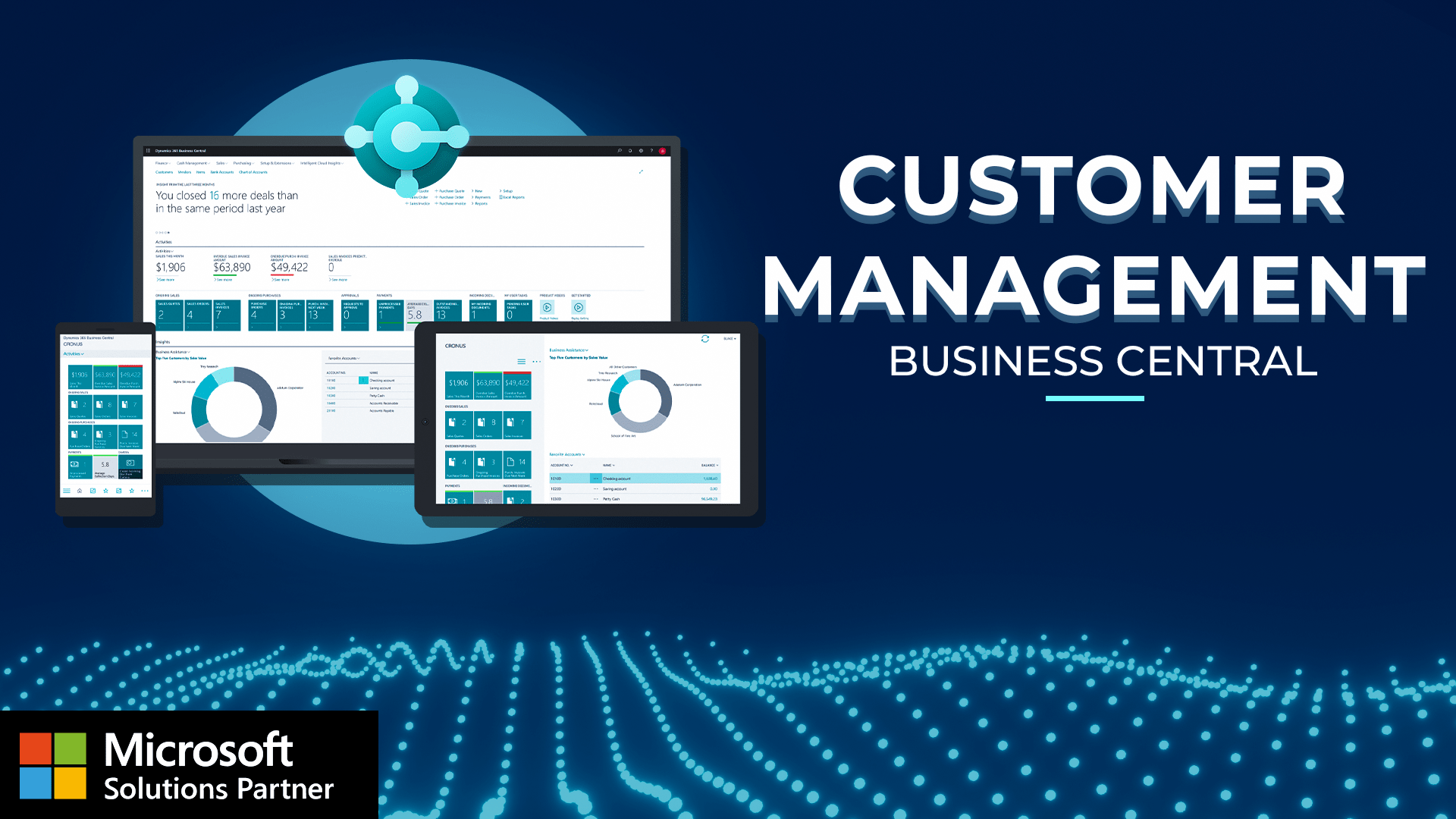
Managing your customer data well means smoother sales, better service, and faster payments. In this video, you'll learn how to create and manage customer records in Microsoft Dynamics three sixty five Business Central. We'll cover setting up credit limits, payment terms, and tax details. We'll also show you how it all connects to your sales and receivables processes. So, again, for this demonstration, we're gonna start on our Microsoft Dynamics three sixty five role center page. This is your landing screen. You'll quickly see from here that I have my customers favorited. So I'll just quickly click customers, and it'll take me to a list of the customers that I have in the system. In this scenario here, we'll see that we have a short list of customers, and we even have some contacts associated with those customers. Let's go ahead and drill into one of our customers. We'll utilize Trey Research for this demonstration today. What we're gonna do is we're gonna run through all the important fields that we have on our customer record. So starting on the left here, we can see things like the customer number, the customer name, their balance. So we can see we have a balance of sixty thousand dollars with this customer. The balance due. So of that balance, they actually owe us two thousand and twenty four dollars. I can even click in to these hyperlinked fields to see the balance, the invoices associated with that balance, and the totals associated with each invoice. One feature I really like here is that it highlights those past due invoices for us in red. Working our way back, this is where we can actually set up credit limits. So if we'd like, we can associate a credit limit with a customer, and then we can even block customers if they're over that credit limit. So we can block them from transaction, shipments, or just all transaction as as a whole. We can associate a salesperson with a particular customer, and then we can see things like our total sales, the cost associated with those sales, and then the profit and profit percentage. So a nice way to see what the total cost is for the particular customer and then how much we're profiting as well. The last one here in the general section is that last state modified, so giving you the ability to audit when changes have been made and which users have made those changes. We have our address and contact level information. So this would be, you know, your general address or your standard default address that's utilized on sales orders. That being said, I understand a lot of customers have multiple ship to addresses. That's no problem at all. We just navigate over to ship to addresses here, and this is where we can add those addresses, and we can actually store basically an infinite amount on this list here. We can associate contacts, and then Dynamics three sixty five Business Central even has a light customer relationship management module. We have that invoicing level information, so where we can see things like their tax area code, that general business posting group, the customer posting group. What currency do they transact in? Do we have price groups or trade agreements in place with a particular customer? And then our payment information. So do we require a prepayment from this customer? Do we apply manually? Do we apply automatically? What are the payment term codes? Are they fourteen days, fifteen days, two days, twenty one days? Whatever they may be, we set that up here. We even can put in that bank communication, information. We have that shipping level information as well. So do we always ship from a specific location or to a specific location? Do we combine sales shipments? Do we reserve inventory directly to them? Do we utilize a shipping code, agent? Is there a base calendar code? And then finally, our statistics, where we can see basically anything and everything on a particular customer. So the money owed, the credit limit, the usage of that credit limit, their overdue payments, the sales this year, the posted sales invoices, that aged AR, and then to the right, things like that summary copilot level information, our customer picture, our sell to customer history, where we can see any transaction we've ever created with a particular customer, more of the statistics, as well as our financial dimensions that we're utilizing or leveraging on top of that. Last but not least, the attachments option, so the ability to store documents, store links, and attach notes to a particular customer. So that's just a quick overview of the customer card within Dynamics three sixty five Business Central. I hope you found the demonstration helpful. But if you have any questions, please reach out to us here at Volt Technologies.
Witness the power of the Business Central Customer Page with this comprehensive demonstration covering:
- Access Real-Time Customer Intelligence: Complete financial visibility with live balance tracking, automated past-due highlighting, and integrated profit analysis
- Execute Smart Credit Management: Automated credit limits with transaction blocking, payment term optimization, and risk-based customer controls
- Control Multi-Location Operations: Unlimited ship-to addresses, integrated CRM functionality, and automated posting configurations for complex customer structures
- Leverage AI-Powered Insights: Copilot integration for instant customer summaries, intelligent data analysis, and automated decision support across all customer touchpoints
Transform your Business Central Customer Page usage from manual tracking to automated customer intelligence with complete financial control and streamlined relationship management.
